← Back to community index
# designreview·Active

Hey @Seve could you have a review of

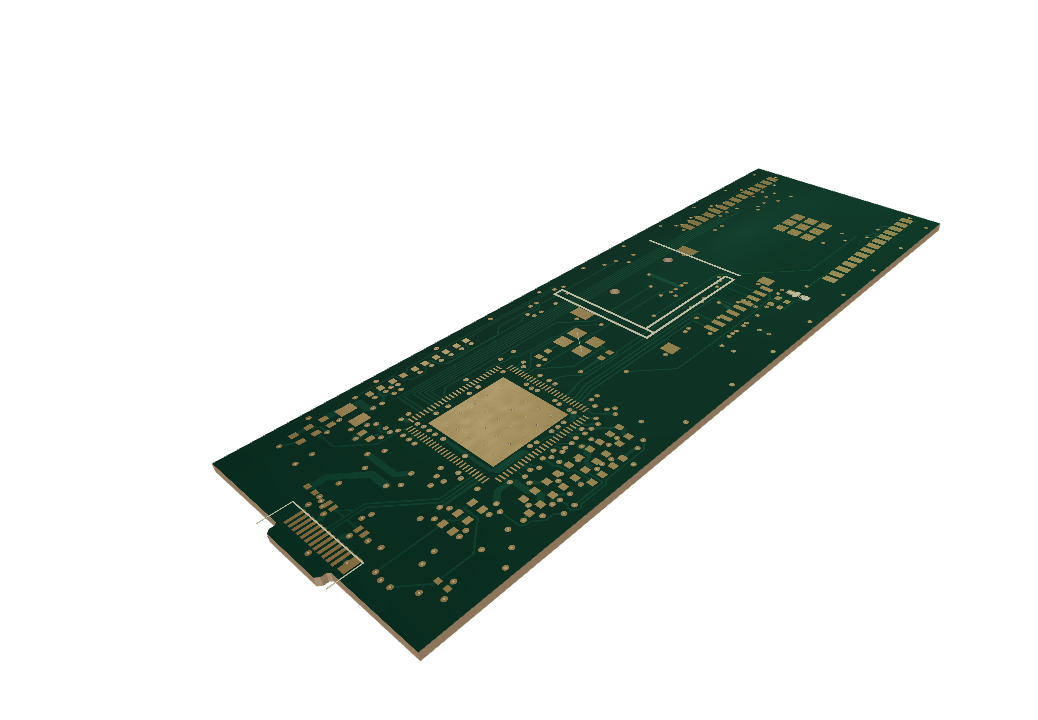
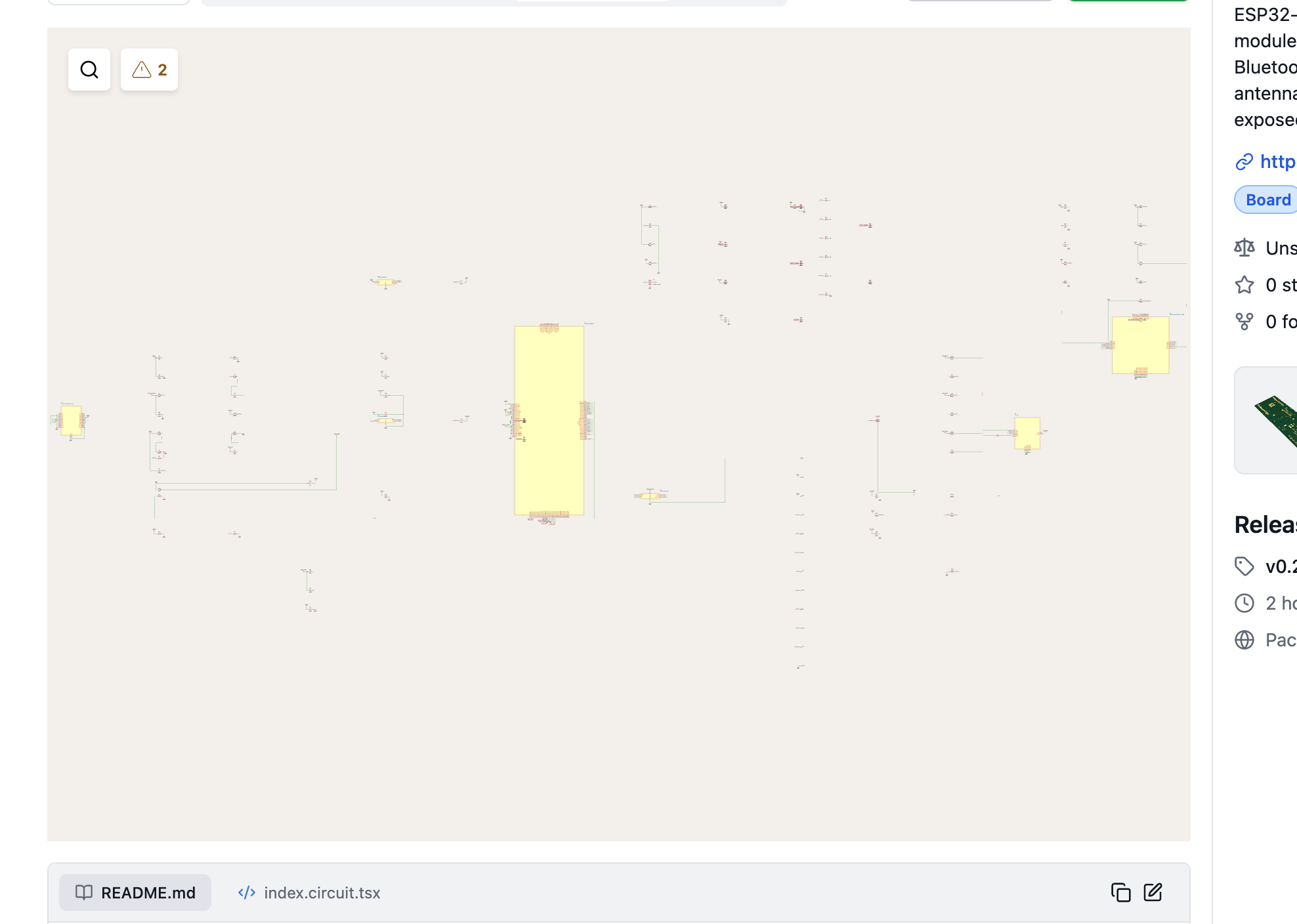
Hey mention could you have a review of this ? https://tscircuit.com/pixalynx/p4 media stick files something it has a circuit.json file which has the routing and I saw Astra use free router to do this But the index.circuit.tsx is not showing the traces But Astra is telling be this

Started by pixalynxSep 21, 202618 messages

Discussion

Last active 2 months ago · plain text
pixalynxoriginal post
Hey <@757706909351411845> could you have a review of this ? - https://tscircuit.com/pixalynx/p4-media-stick#files something it has a circuit.json file which has the routing and I saw Astra use free router to do this But the index.circuit.tsx is not showing the traces But Astra is telling be this is fab ready
Seve
Try to tag another reviewer like <@809856037376491570> , <@398467566588264449> or <@778624824875941908> b/c i don't act as primary reviewer! I will always take a look without tagging but others will do a deeper look
Seve
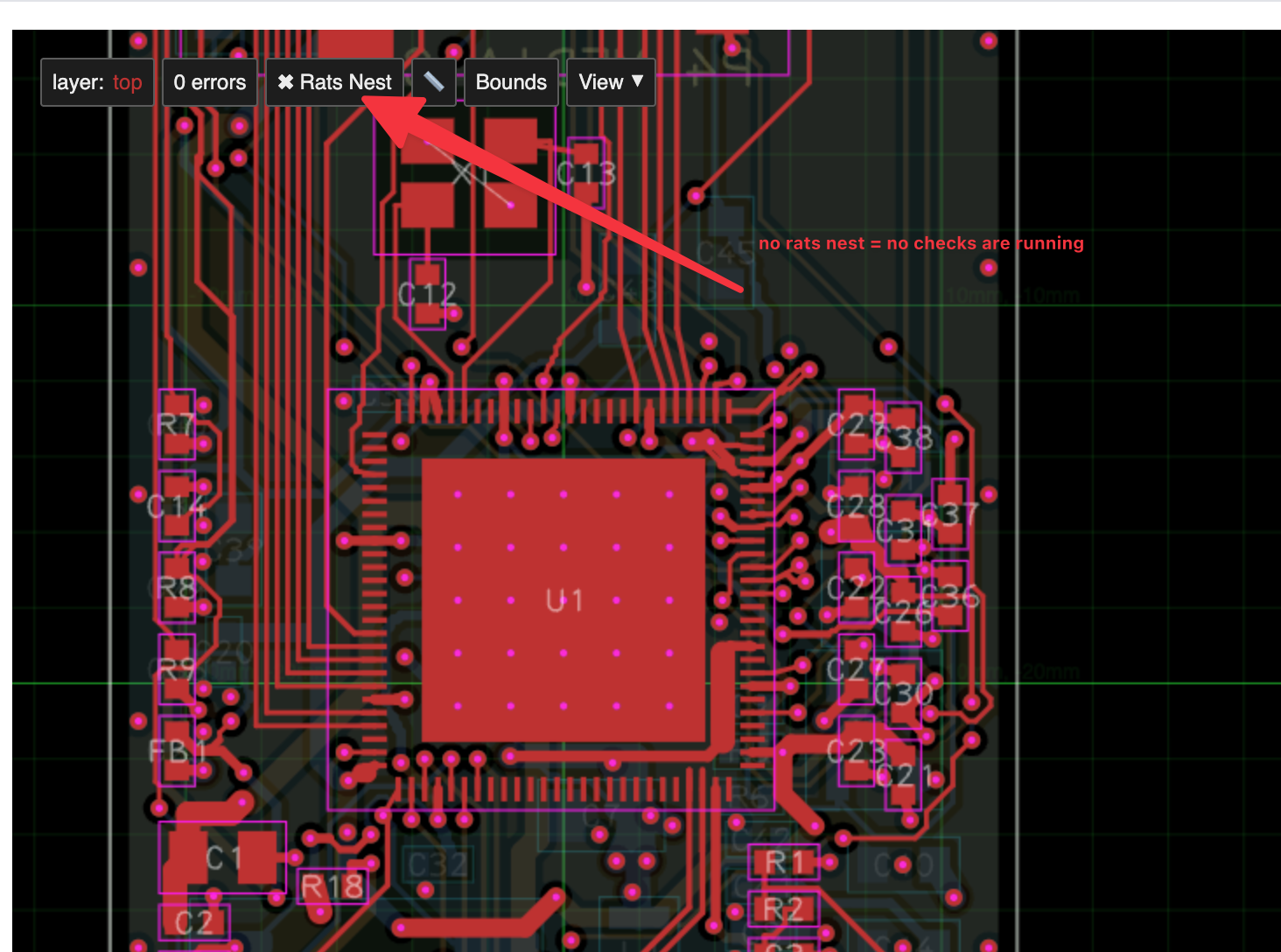
the PCB isn't properly in TSX, there is no rats nest, no drc checks are running.
Seve
Remove the kicad files and just use tscircuit!
Seve
Freerouting routes can be used with tscircuit but this board is a mix of engines and the checks aren't running!
Seve
it has no automated checks! not ready to fab
pixalynx
I don’t know why it used kicad it was soo strange I started in Claude opus using tscircuit handed off to Astra and then Astra used kicad which was very odd. Is there any particular prompt you could recommend me to run ?
Seve
"Remove the kicad files, use tscircuit tsx, do not use kicad"
Seve
astra switches to kicad a lot
Seve
you just have to tell it not to
pixalynx
I followed your instructions and wow astra cooked, it now looks like a complete fab ready PCB thanks <@757706909351411845> for your review ! <@809856037376491570> if you're available would you be able to have a look for a review I've pushed my latest changes - https://tscircuit.com/pixalynx/p4-media-stick#3d
Rishabh
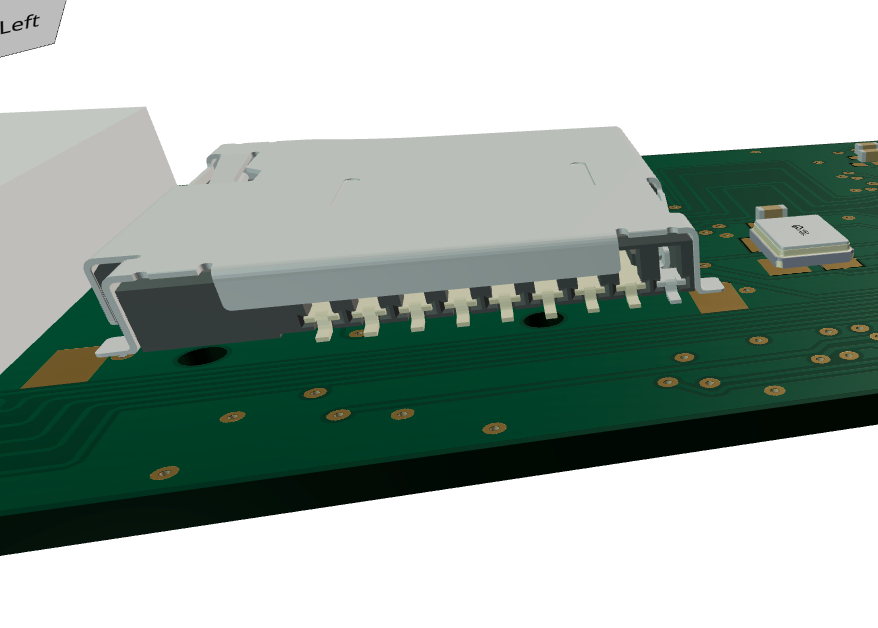
I don't see the pads where this model is placed
Rishabh
Shared an attachment
pixalynx
```Your colleague spotted a real mismatch. All 13 socket pads are present, but the 3D model is rotated 180° relative to the footprint, putting its contact row on the wrong side. I’m correcting the model alignment and checking the locating pegs too. The copper checks didn’t catch this because they don’t compare 3D leads against pads.```
pixalynx
I also might ditch the usb c male, its causing a lot of issues when i get my ai to review it, it keeps recommending me to use type c female for simplicity

Want to add to the conversation?

Reply in Discord so your notes stay connected to the source.
Continue in Discord ↗