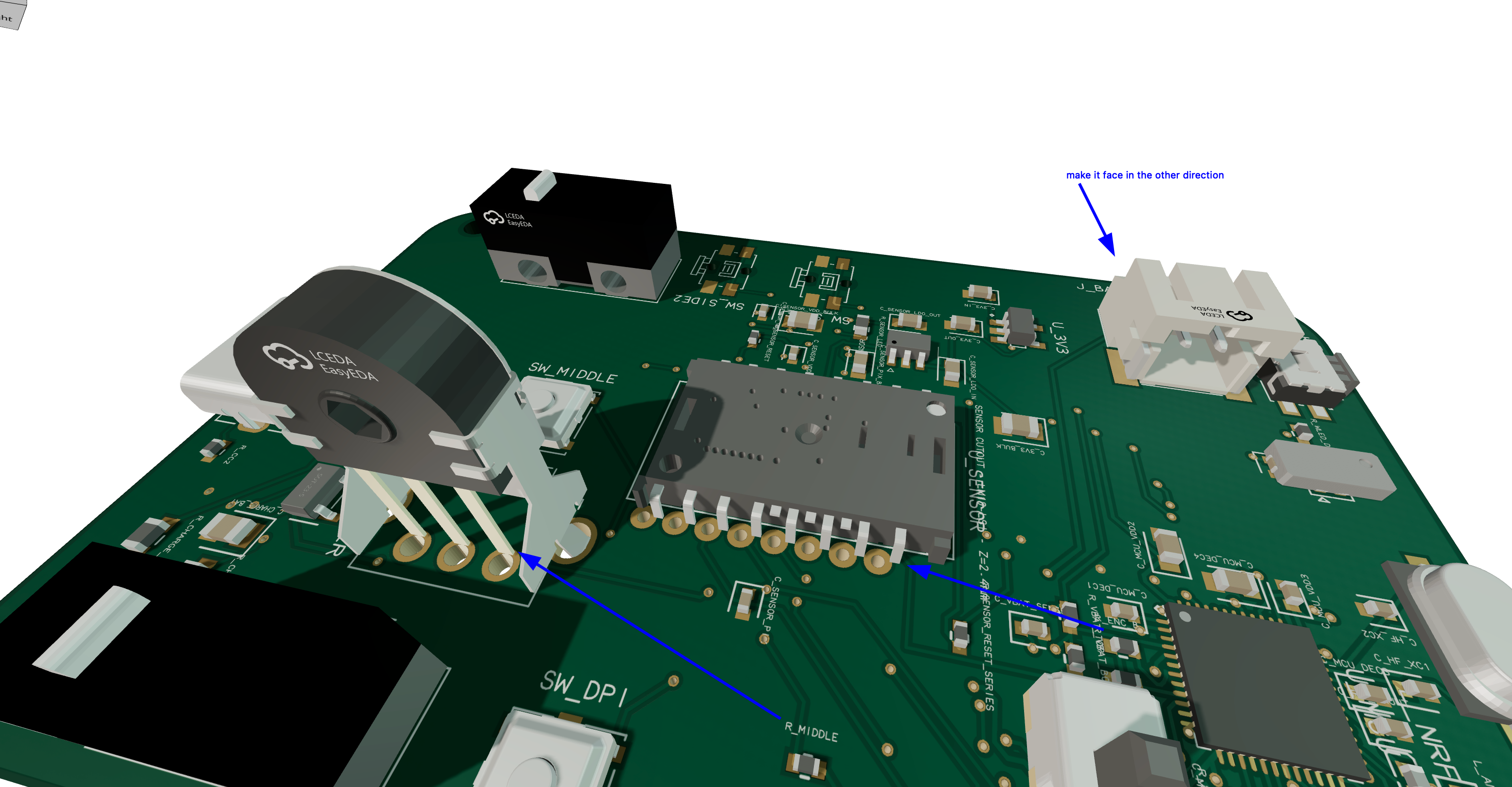
<@1079361271687807026> chatgpt review
Electrical verdict:
* USB-C charging connections and CC resistors look correct.
* MCP73831 charging circuit looks correct.
* Battery, switch, 3.3 V regulator and 1.9 V sensor regulator connections are reasonable.
* nRF52810 support circuitry, SWD, crystal and RF network appear electrically complete.
* PMW3360 power and signal architecture is appropriate.
* Buttons, encoder and indicators are logically connected.
* I found no obvious reversed rail, power short, missing essential connection or swapped interface signal.
* Completed routing shows **0 DRC errors**.
Remaining limitations are not immediate wiring failures:
* Charge only while the mouse is switched off because there is no load-sharing circuit.
* The AP2112 3.3 V regulator means the mouse will stop working before the LiPo is completely discharged.
* Bluetooth range is not guaranteed until the RF network is tested and tuned.
* The WS2812 indicator may stop working near low battery voltage.
* The mouse still needs SWD programming, BLE HID firmware and the correct PMW3360 lens assembly.
**Final verdict: yes, this routed editor version is electrically reasonable and should work as a first prototype if assembled with the correct parts.** Before ordering, make sure this exact routed state—not the older published build—is saved/exported, and confirm the fabrication export still reports zero missing connections and zero shorts.
Abse
make sure check shorts is showing any shorts
M
Mustafa7
There are no shorts
Abse
check the limitations if all good I think its good to goo
Want to add to the conversation?
Reply in Discord so your notes stay connected to the source.