← Back to community index
# contributor·Active

Seve - I need someone to write a guide on impor...

I need someone to write a guide on importing from Ultra Librarian to tscircuit

Started by SeveJul 6, 202650 messages

Discussion

Last active 4 days ago · plain text
Seveoriginal post
I need someone to write a guide on importing from Ultra Librarian to tscircuit
techmannih
yea i will take a look
techmannih
Im back!!!
techmannih
for UltraLibrarian files, do we want the same direct import flow as .kicad_pcb files?
techmannih
Like the user imports the UL file and tscircuit handles it directly internally, without asking the user to run any separate converter?
Seve
UL isn't a file
Seve
try to just put yourself in the situation of a user that is trying to use a UL chip
Seve
research what the user needs to do, then improve the user experience by fixing bugs
Seve
they should be able to e.g. download the kicad mod file from UL then import it as the footprint
Seve
but what if they want the schematic symbol? Help guide this process and plan for new product features
techmannih
Yea, I'll research it.
techmannih
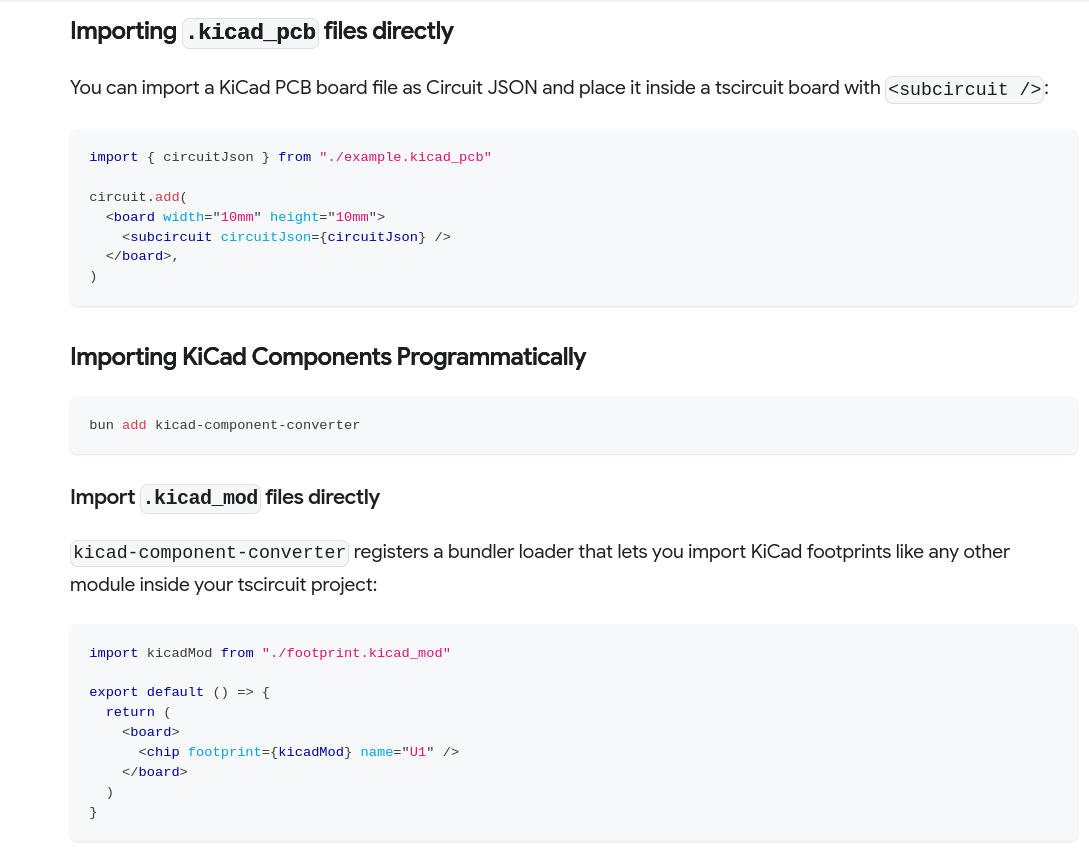
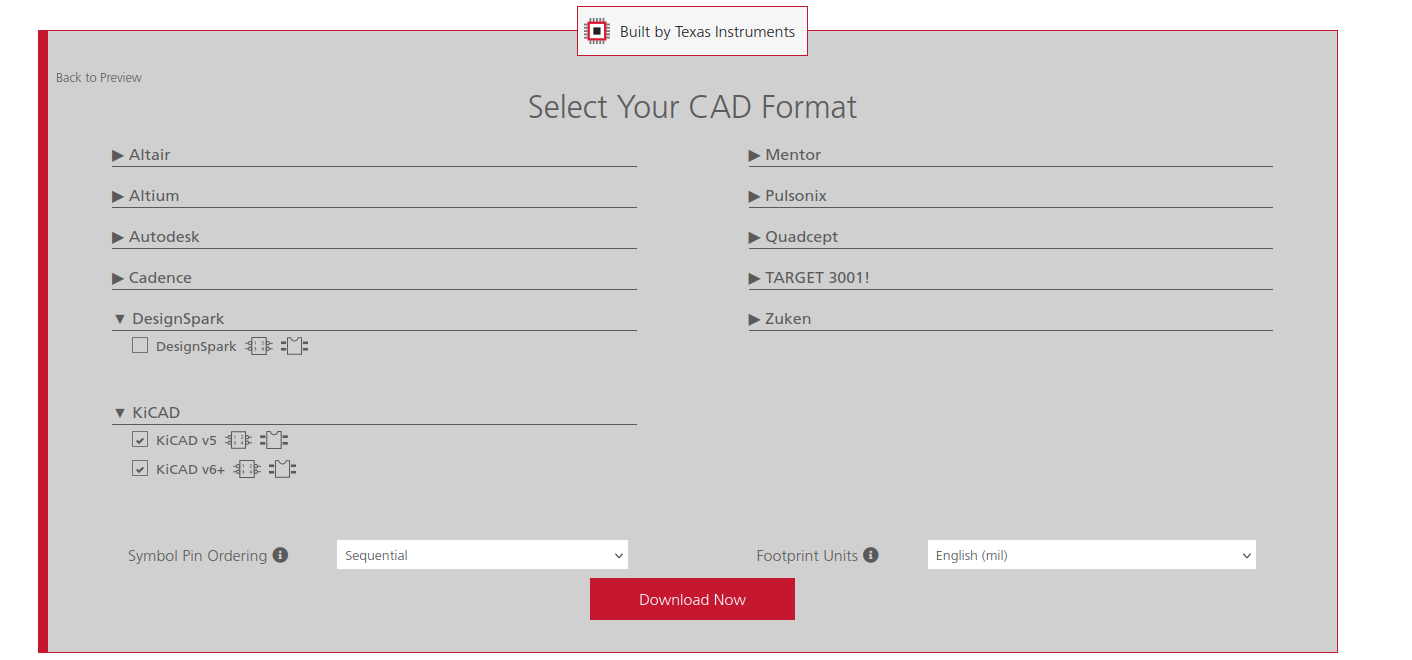
process is too long, Visit UltraLibrarian, search for the part number, select the footprint variant, and click Download. Before downloading, the user needs to sign in or create an UltraLibrarian account. After logging in, choose the KiCad v5/v6 format, download the ZIP, extract it, and use the .kicad_mod file as the footprint. then use that kicad_mod file in tsicircuit as, but it is not working right now, may be due to kicad's v5/v6 but I will check it and confirm ``` import kicadMod from "./footprint.kicad_mod" export default () => { return ( <board> <chip footprint={kicadMod} name="U1" /> </board> ) } ```
techmannih
Yeah, I think we'll also need the schematic symbol and the STEP file, since the KiCad download only provides the footprint as a .kicad_mod file.
Seve
Yes we cant change the requirement to login to UL, but loading the symbol and footprint should work
techmannih
Yeah, I’ll check and fix why the .kicad_mod file from UL is not working
techmannih
from where we should get the symbol? 🤔
Seve
Does UL give a download that supports it
techmannih
No, We can preview them in UL, but it doesn't provide a downloadable schematic symbol or STEP file. It only provides the footprint (.kicad_mod) for download.
Seve
It should
Seve
Look more
Seve
What is in the kicad download? There is not a symbol?
techmannih
No, only kicad_mod
Seve
What is lib
Seve
What does the import guide say?
Seve
Maybe it is sometimes footprint only but id be surprised…
techmannih
Yes, I found the .kicad_sym file when downloading the KiCad v6. It isn't included in the KiCad v5 download.
Seve
:/ k try to be accurate…
techmannih
It renders on the help guidelines.
techmannih
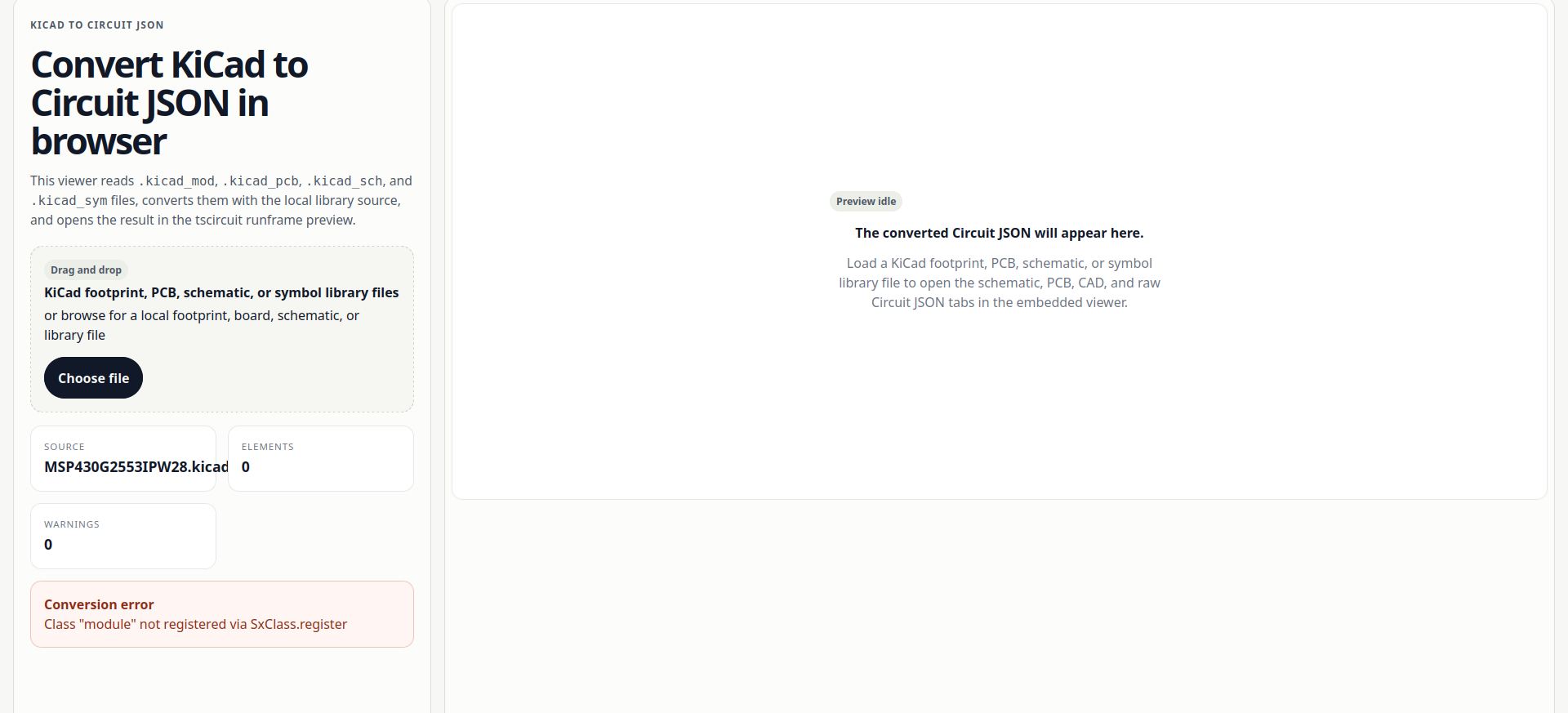
thats the reason we're seeing an empty PCB view is that we don't support modules yet. We need to add support for them.
techmannih
i think that is due to kicad v5
techmannih
in the kicad old version , (module ...) root support missing
Seve
In kicadts, its ok to add a way to convert kicad5 to kicad6, but we will not directly support kicad5- is this a kicad5 issue?
Seve
Any kicad code for kicad5 must be completely separate from kicadts- ideally in a different module. kicadts can call that module to upgrade kicad5 to kicad6 before parsing
Seve
We should also add a note in the readme that we will not support kicad5, and support is best effort using kicad5-to-kicad6 module conversion (we can create that module)
Seve
We do not want kicad5 support in kicadts, we should use a separate conversion process
Seve
The reason why is it makes the code shitty
techmannih
Yes, this issue is caused by the missing (module ...) syntax, which is used in the older KiCad 5 format uses a different format.
techmannih
Yeah, that makes sense. We can add it directly in kicad-to-circuit-json without touching kicadts.
techmannih
<@757706909351411845> RE: we need to support for .kicad_sym file as symbol={symbolKicadFile} as a custom symbol
Seve
yes that makes sense
Seve
which means you need to add support for providing a symbol as circuit json
Seve
`symbol={circuitJsonForSymbol}`
techmannih
No, I think we dont need to provide it as Circuit JSON because Circuit JSON is used inside `<subcircuit />`. I think we just need to add `symbol={symbolKicadFile}` inside `<chip />`, the same way we do for `footprint`.
Seve
that is not how that works
Seve
`kicadMod` is a circuitJson file when imported
Seve
in the code above, `kicadMod` is circuit json
Seve
it turns into circuit json via the import loader, likely in tscircuit/eval
techmannih
yea, I was thinking the same before. but docs were just confusing me a bit with kicadMod name, so I wasn't sure
techmannih
https://github.com/tscircuit/props/pull/718
Seve
nice

Want to add to the conversation?

Reply in Discord so your notes stay connected to the source.

Continue in Discord ↗