← Back to community index
# contributor·Active

Anas - text (s letter) in 3d image looks very b...

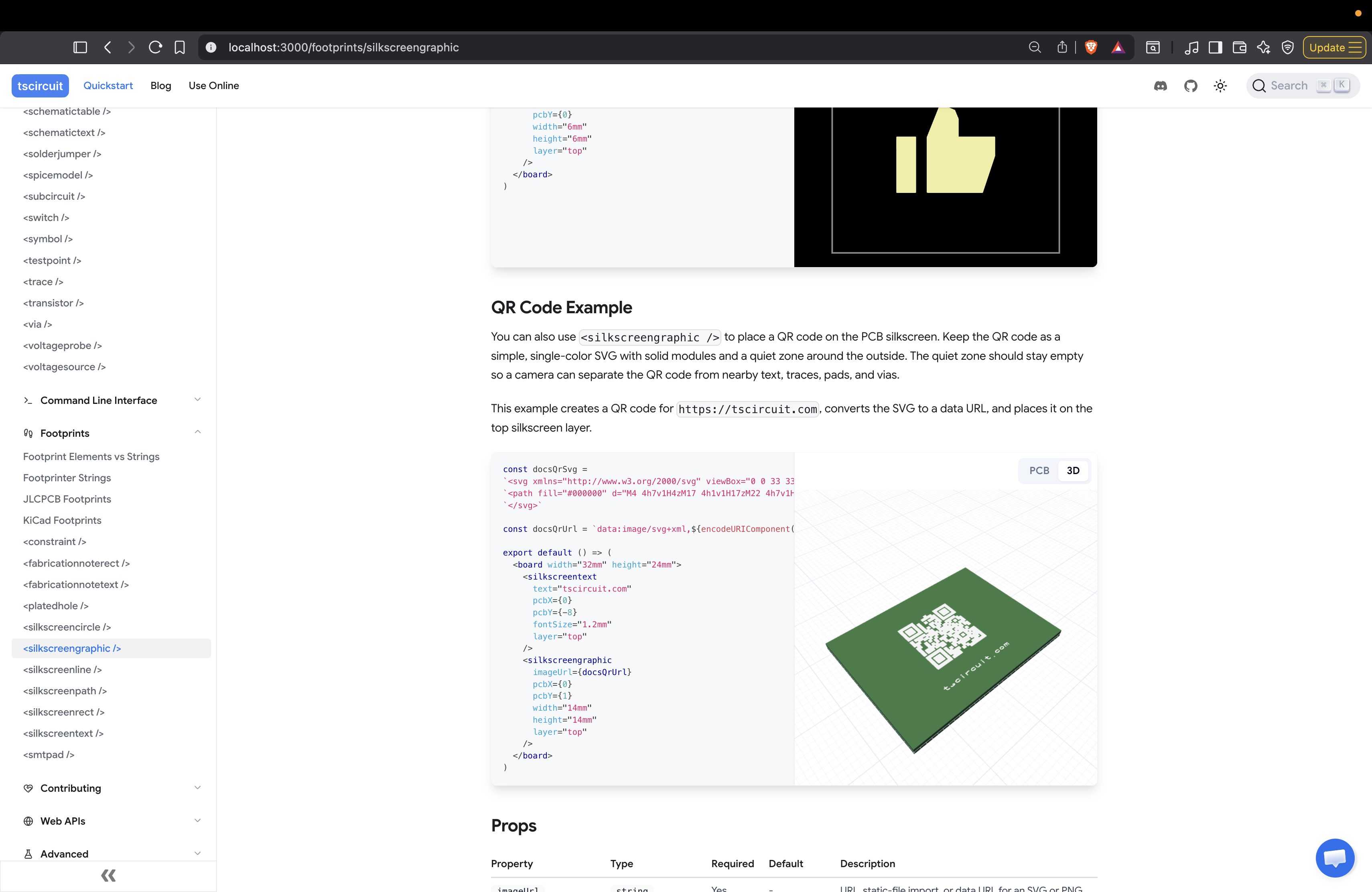
text (s letter) in 3d image looks very bad.

Started by AnasJul 2, 202619 messages

Discussion

Last active 11 days ago · plain text
Anas
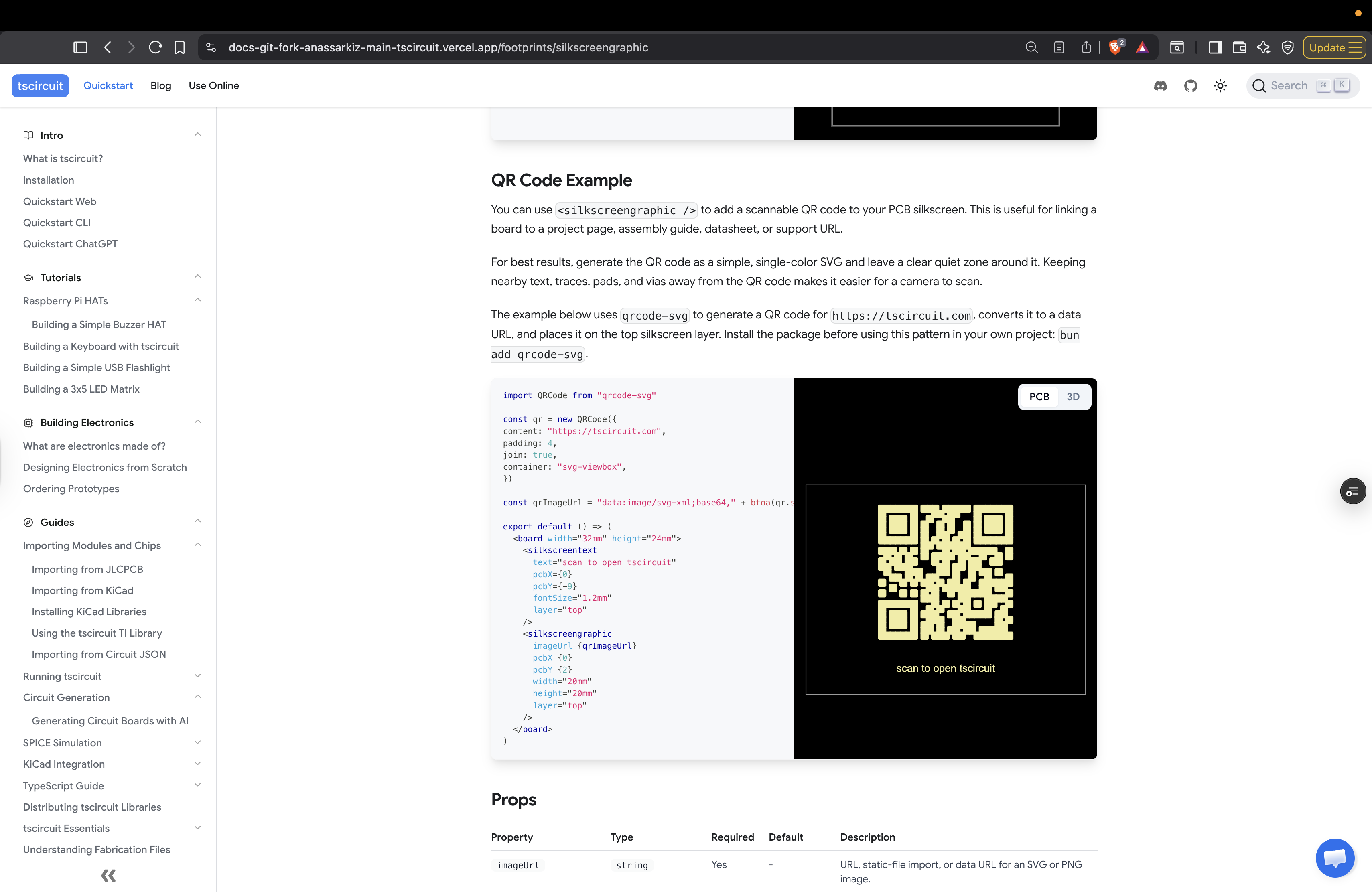
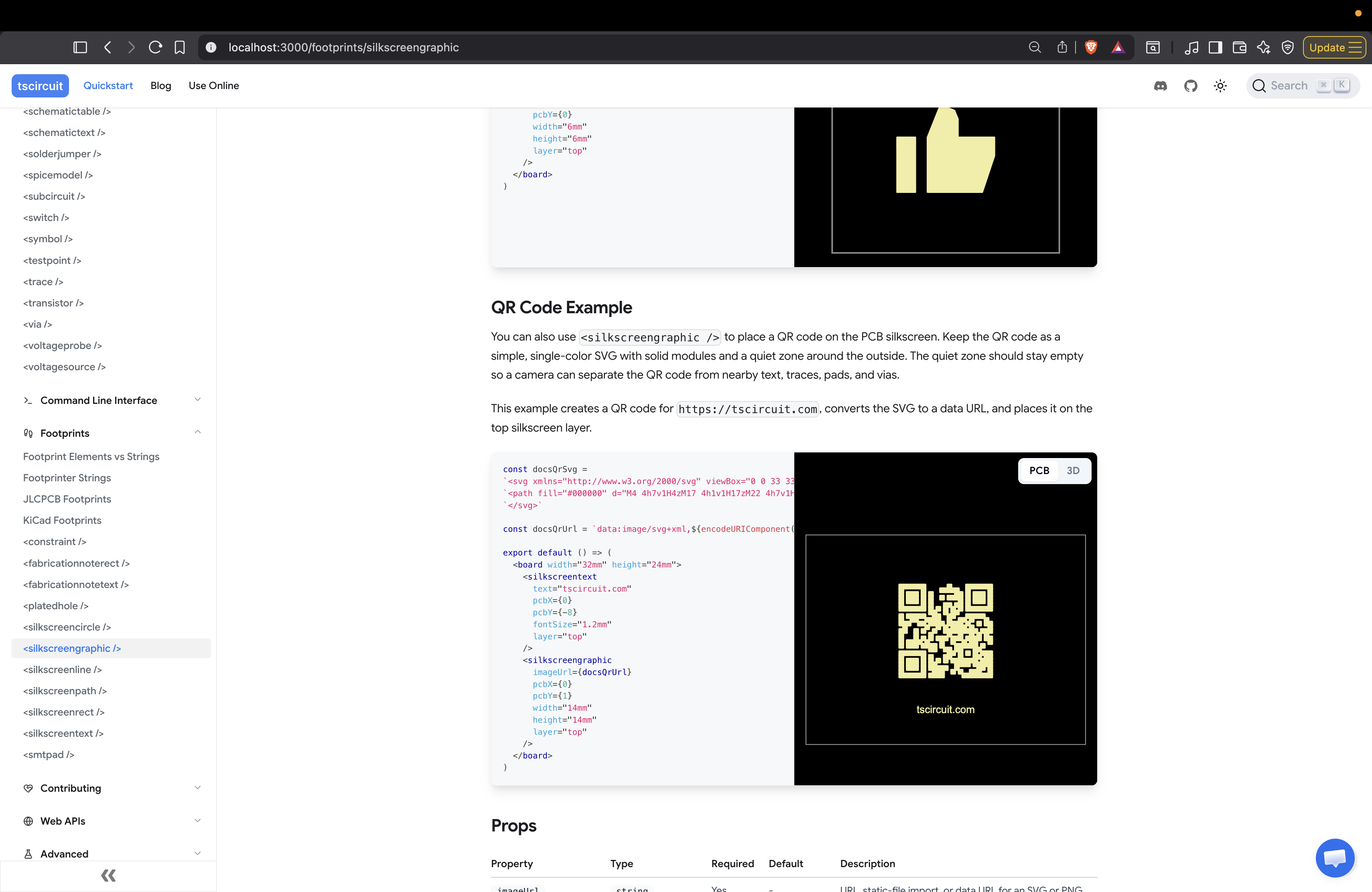
<@757706909351411845> Im not sure what we should do to show users for how to generate QR code svgs. I found this: ```tsx import QRCode from "qrcode" const docsQrSvg = await QRCode.toString("https://tscircuit.com", { type: "svg" }, }) const docsQrUrl = "data:image/svg+xml," + encodeURIComponent(docsQrSvg) export default () => ( <board width="32mm" height="24mm"> <silkscreentext text="tscircuit.com" pcbX={0} pcbY={-8} fontSize="1.2mm" layer="top" /> <silkscreengraphic imageUrl={docsQrUrl} pcbX={0} pcbY={1} width="14mm" height="14mm" layer="top" /> </board> )```
Seve
Yep
Seve
That works
Seve
You will need to make sure the svg server has that dep
Anas
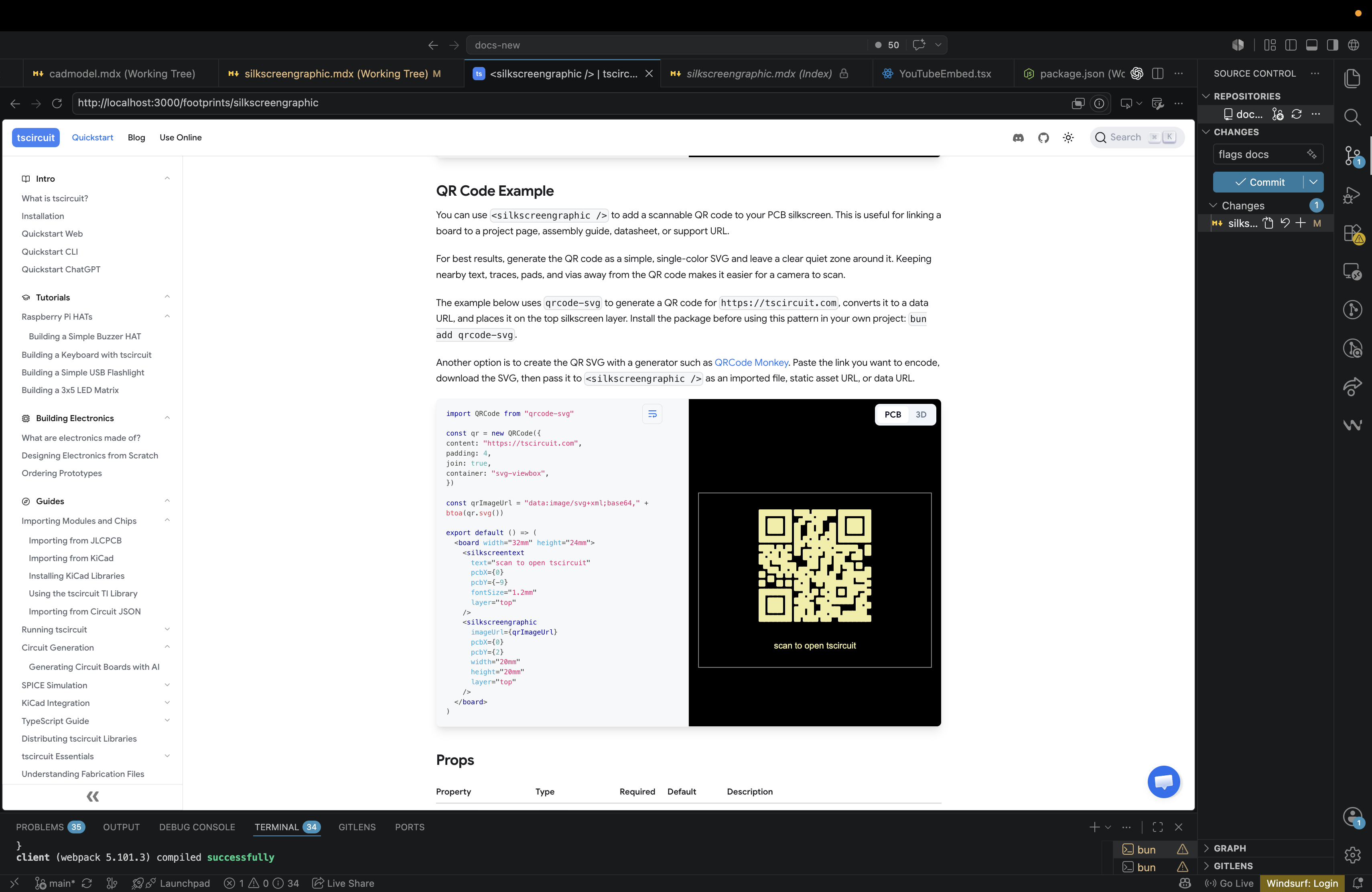
I used `qrcode-svg` instead of the `QRCode` package because it produces much better QR code visualization. Since `qrcode-svg` is CommonJS and does not ship TypeScript declarations, I added a small local type in the eval module shim. PR: https://github.com/tscircuit/svg.tscircuit.com/pull/1720
Seve
Awesome
Seve
We can publish a @tscircuit/qr-code package that exports a component directly soon imo
Seve
That is even better/simpler i think
Seve
amazing
Seve
btw the qr code stroke widths look a bit too big imo
Seve
i think it's interpreting the aliased strokes incorrectly
Seve
this is a core/image-utils rasterization issue
Anas
Is this ok to merge the docs PR and do the silkscreen fix later? CC: <@809856037376491570> https://github.com/tscircuit/docs/pull/773
Rishabh
<@756504518417711104> You have mentioned a package, maybe add another option something like - https://www.qrcode-monkey.com You can paste the link which you want to convert qr code of, and then use that svg
Anas
Also I think I should add our qr code generator repo `@tscircuit/qr-code`
Rishabh
lgtm! <@757706909351411845> Is it okay to have links of other website on our docs like the qrmonkey?

Want to add to the conversation?

Reply in Discord so your notes stay connected to the source.
Continue in Discord ↗